
For cloud kitchens
The direct-order channel you own.
For independent cloud kitchens that take direct orders in chats, from Instagram bios and from their own links. One branded menu link and QR code, every order noted in one place, and a clear view of who has paid and who owes.
One link, everywhere
Put your menu where your customers already are.
Put one branded menu link and QR code in your Instagram bio, WhatsApp status and every delivery bag. It always shows your current items and prices, so you never resend a photo of last week’s menu.
Instagram bio
Share one menu link that always shows your current items and prices.
WhatsApp status
Make a WhatsApp-status or shop poster whose QR code opens your menu.
Packaging inserts
Print your menu QR code on a card in every bag, so the next order comes straight to you.
Put your logo, tagline and colours on the menu your customers open, and share just your weekend specials or a new combo with a link that opens only those items.
The real product
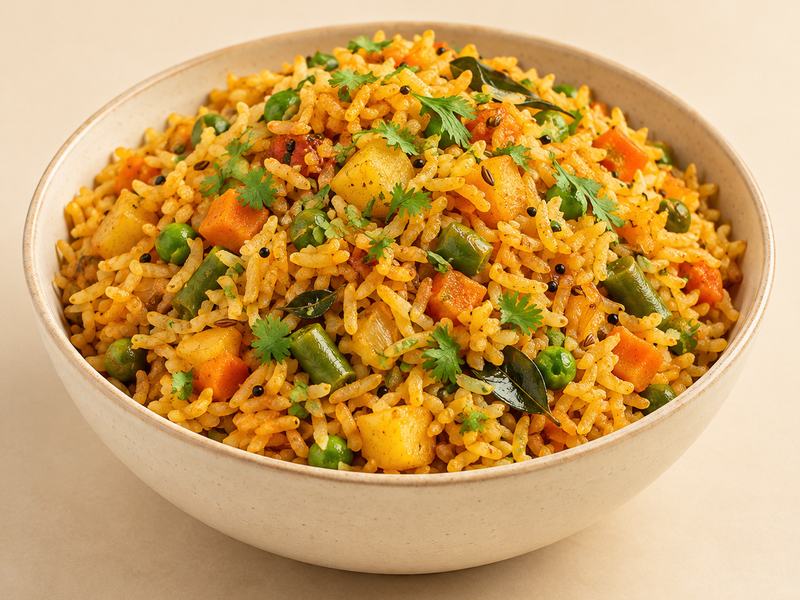
A cloud kitchen’s menu, as customers see it.
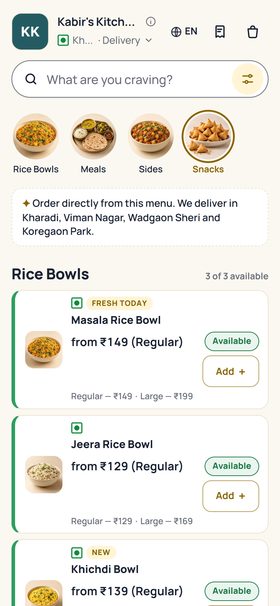
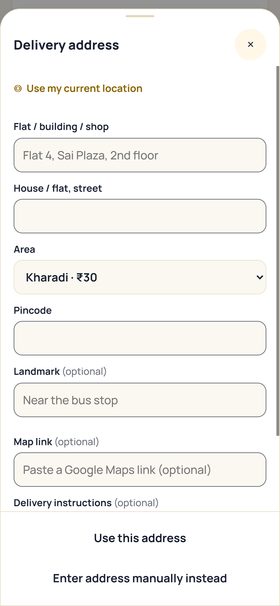
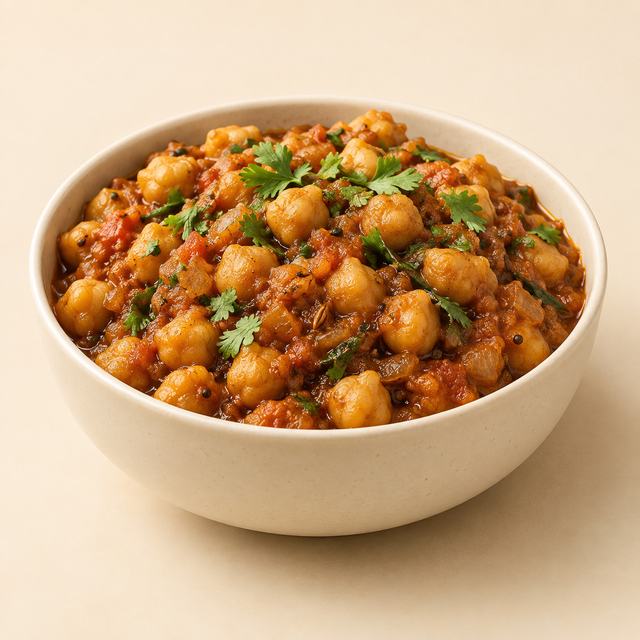
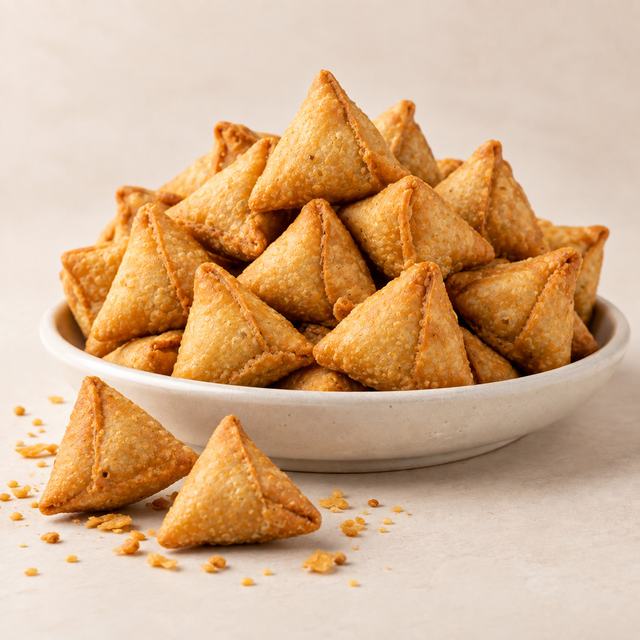
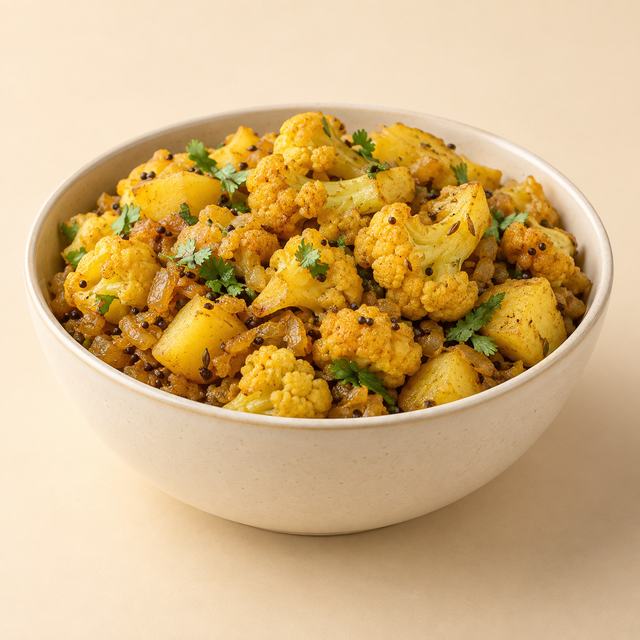
Illustrative food photography, not a merchant’s product.
From message to handover
Every direct order, kept in one place.
Every direct order in one list, with who has paid and who still owes.
Note the order
Note phone and walk-in orders in seconds, add the ones that arrive in your chats by hand, and see every order’s stage in one place.
Who has paid, who owes
See at a glance who has paid, who owes a balance, and print a receipt when they ask.
A clean PDF bill
Send a PDF bill for any order as a link, with your GST rate when you are registered.
An order link for your customer
Your customer gets one order link that always shows where their order stands.
Set your own delivery areas and charges, and give each customer one link that shows where their order stands. See what needs you today when you open the app, work in English, Hindi or Marathi, and export your orders and customers whenever you want.
In pilot with selected businesses Available to some early-access businesses today:
- Ordering from your menu. Customers place a complete order, with items, date and pickup or delivery, in one go.
- WhatsApp inbox. See your WhatsApp customer chats inside TummyMumma, next to their orders, on your own business number.
- Reply suggestions. TummyMumma suggests a reply to a customer’s message; you check it and send it.
TummyMumma is for your direct orders. It does not connect to food-delivery apps.
See TummyMumma with a menu like yours.
We are in early access. Tell us what you make and we will walk you through it.